Microsoft Access 2016 for Beginners
 511 Students


 14-Day Money-Back Guarantee
-
1 Year Access
 -
Beginner Skill Level
 -
Course Certificate Certificate
 -
45 Units
Units -
2 Quizzes
 -
1 day, 2 hours Duration

Description:
This Microsoft Access 2016 for Beginners will provide you the knowledge of how to Access is constructed and how to use the major objects within it. It allows you to create and manage database for all sorts of different purposes. It will help all novice computer users get up to speed quickly. It will also help more experienced users who have little to no experience with Microsoft Access and databases general.
If you have the general knowledge of working with windows and want to improve your knowledge more you are welcome to join this course.
Learning Outcomes:
- Get familiarized with Microsoft Access 2016, create simple databases, and use the help options
- Change table data, manage records, and create lookups
- Join data from different tables, sort and filter them, and perform calculations for queries
- Creating, adding controls, enhancing appearance and print preparation for reports
- How to utilize Access Options dialog box
- Relational database design, creating tables, managing table fields and creating table relationships
- Creating query joins and sub queries, joining tables with no common fields, relating data within a table, and working with sub datasheets
- Data normalization and creating junction tables
- Sharing Access data with other applications and through import and export options
- Managing reports through organizing information, formatting, including charts, adding calculated fields and sub-report inclusion to existing ones
- Create mailing label report and publishing reports in PDF format
Assessment:
- At the end of the course, you will be required to sit for an online MCQ test. Your test will be assessed automatically and immediately. You will instantly know whether you have been successful or not.
- Before sitting for your final exam you will have the opportunity to test your proficiency with a mock exam.
Certification:
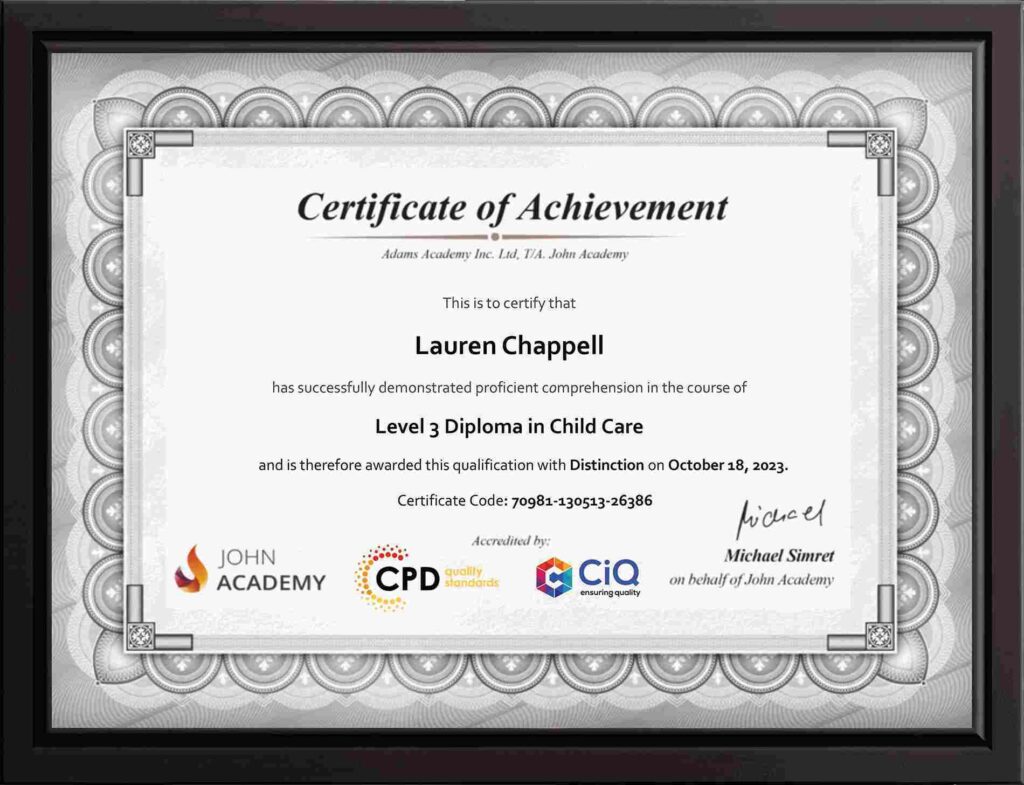
- After completing and passing the course successfully, you will be able to obtain an Accredited Certificate of Achievement.
- Certificates can be obtained either in hard copy at a cost of £39 or in PDF format at a cost of £24.
Who is this Course for?
Microsoft Access 2016 for Beginners is certified by CPD Qualifications Standards and CiQ. This makes it perfect for anyone trying to learn potential professional skills.
As there is no experience and qualification required for this course, it is available for all students from any academic background.
Requirements
Our Microsoft Access 2016 for Beginners is fully compatible with any kind of device. Whether you are using Windows computer, Mac, smartphones or tablets, you will get the same experience while learning. Besides that, you will be able to access the course with any kind of internet connection from anywhere at any time without any kind of limitation.
Career Path
After completing this course you will be able to build up accurate knowledge and skills with proper confidence to enrich yourself and brighten up your career in the relevant job market.
-
 Orientation to Microsoft Access 01:00:00
 -
Create a Simple Access Database 01:00:00
-
Get Help in Microsoft Access 00:30:00
-
Modify Table Data 00:30:00
-
Work with Records 01:00:00
-
Sort and Filter Records 00:30:00
-
Create Lookups 01:00:00
-
Join Data from Different Tables in a Query 01:00:00
-
Sort and Filter Data in a Query 01:00:00
-
Perform Calculations in a Query 00:30:00
-
Create Parameter Queries 00:30:00
-
Create Action Queries 00:30:00
-
Create Find Duplicate and Find Unmatched Queries 00:30:00
-
Summarize Data 00:30:00
-
Create a Report 01:00:00
-
Add Controls to a Report 00:30:00
-
Enhance the Appearance of a Report 00:30:00
-
Prepare a Report for Print 00:30:00
-
The Access Options Dialog Box 01:00:00
-
Relational Database Design 00:30:00
-
Create a Table 01:00:00
-
Modify a Table and Fields 00:30:00
-
Create Table Relationships 00:30:00
-
Create Query Joins 00:30:00
-
Join Tables That Have No Common Fields 00:30:00
-
Relate Data within a Table 00:30:00
-
Work with Subdatasheets 00:30:00
-
Create Subqueries 00:30:00
-
Data Normalization 01:00:00
-
Create a Junction Table 00:30:00
-
Import Data into Access 00:30:00
-
Export Data to Text File Formats 00:30:00
-
Export Access Data to Excel 00:30:00
-
Create a Mail Merge 00:30:00
-
Organize Report Information 00:30:00
-
Format Reports 00:30:00
-
Include Charts in a Report 00:30:00
-
Add a Calculated Field to a Report 00:30:00
-
Add a Subreport to an Existing Report 00:30:00
-
Create a Mailing Label Report 00:30:00
-
Publish a Report as PDF 00:30:00
-
Activities – Microsoft Access 2016 for Beginners
-
Order Your Certificates and Transcripts
What Our Students are Saying

Sam Carpenter
John Academy has helped me in my development, and I took the courses seriously and gained a qualifications certificate, which I've wanted to do for a long time. I highly recommend it, and a few friends have signed up, too. Thank you, John Academy.
Georgina Salazar
Easy to access, generous options for multiple learning and approaches. Supportive team.
Wayne Wright
The course empowers me to make my dreams come true. The course material was excellent. John Academy is good to study.
Romina
I am thankful that I have chosen John Academy for my online courses. It has given me a platform where I have learned a lot. It has so many reading materials with a handful of knowledge. Once again, thank you so much to the John Academy support team, who has cooperated & supported me throughout this journey.
Peter Gilbert
Brilliant course, with so many to choose from, very good value and a certificate at the end. Quick turnaround to receive a certificate. Very good academy I have completed several and have 2 ongoing at the moment. Never had any problems. Excellent customer service. Would recommend.

Other Students Also Bought