Microsoft One Note 2010 Advanced Level
 457 Students


 14-Day Money-Back Guarantee
-
1 Year Access
 -
Advanced Skill Level
 -
Course Certificate Certificate
 -
16 Units
Units -
2 Quizzes
 -
11 hours, 40 minutes Duration



Description:
Explore all that you need at an advanced level to become a proficient Microsoft OneNote 2010 user. This course will help you learn more advanced skills for working with your Notebooks. It demonstrates the new and enhanced features in Microsoft OneNote 2010 for gathering and sharing information. Students will explore OneNote 2010 interface features, including creating switchboards, macros, original reports, custom buttons, and in-depth custom queries for detailed data analysis. Students will also explore the best practices to employ during initial design and creation steps. In this course you will learn the necessary skills, knowledge and information of Microsoft One Note 2010.
Who is this course for?
- This course would be ideal for Microsoft Office users, students, and office workers.
- This course is designed for anyone who wants to learn Microsoft one note 2010 at an advanced level.
Entry Requirement:
- This course is available to all learners, of all academic backgrounds.
- Learners should be aged 16 or over to undertake the qualification.
- Good understanding of English language, numeracy and ICT are required to attend this course.
Assessment:
- At the end of the course, you will be required to sit an online multiple-choice test. Your test will be assessed automatically and immediately so that you will instantly know whether you have been successful.
- Before sitting for your final exam, you will have the opportunity to test your proficiency with a mock exam.
Certification:
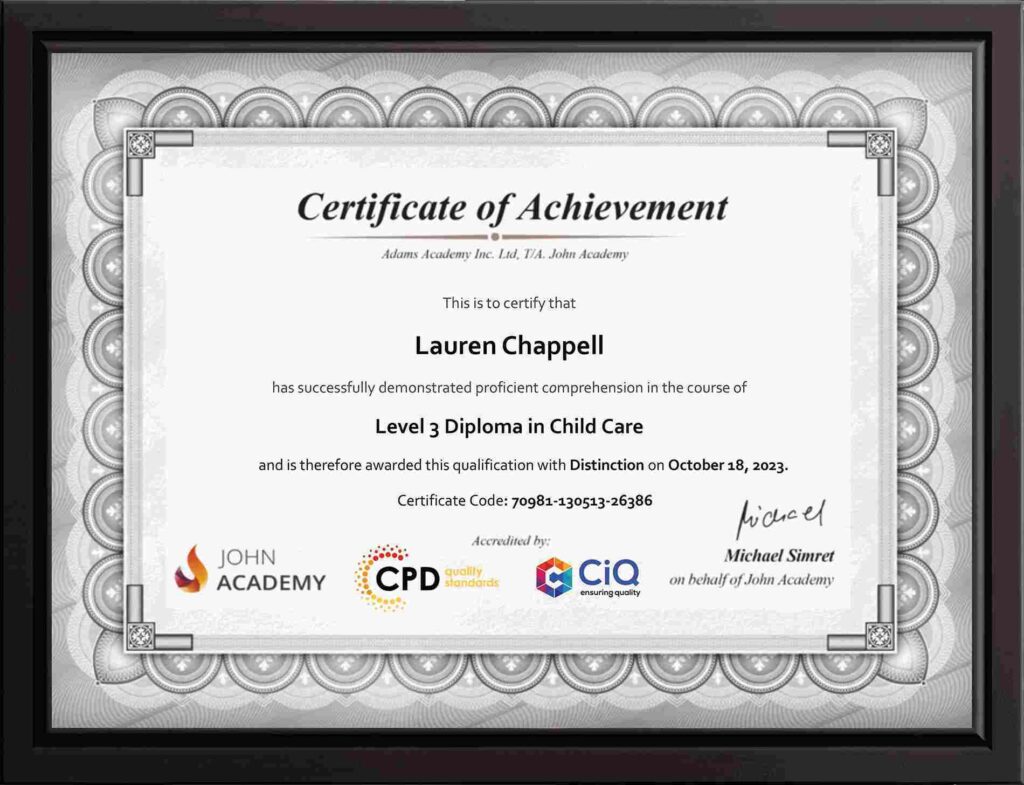
- After you have successfully passed the test, you will be able to obtain an Accredited Certificate of Achievement. You can however also obtain a Course Completion Certificate following the course completion without sitting for the test. Certificates can be obtained either in hard copy at the cost of £39 or in PDF format at the cost of £24.
- PDF certificate’s turnaround time is 24 hours, and for the hardcopy certificate, it is 3-9 working days.
Why choose us?
- Affordable, engaging & high-quality e-learning study materials;
- Tutorial videos/materials from the industry leading experts;
- Study in a user-friendly, advanced online learning platform;
- Efficient exam systems for the assessment and instant result;
- The UK & internationally recognized accredited qualification;
- Access to course content on mobile, tablet or desktop from anywhere anytime;
- The benefit of career advancement opportunities;
- 24/7 student support via email.
Career Path:
The Microsoft One Note 2010 Advanced Level will be very beneficial and helpful, especially to the following professionals:
- Event planner
- Project manager
- Real estate agent
- Travel agent
- Teacher
- Lawyer
-
 Module One – Getting Started 00:30:00
 -
Module Two – Upgrading from One Note 2007 or 2003 01:00:00
-
Module Three – Staying Organized 01:00:00
-
Module Four – Note Taking Tools 01:00:00
-
Module Five – Text and Page Formatting 01:00:00
-
Module Six – Drawing and Handwriting Notes 01:00:00
-
Module Seven – Office Integration 01:00:00
-
Module Eight – Researching a Topic 01:00:00
-
Module Nine – Linked Notes 01:00:00
-
Module Ten – Collaborating 01:00:00
-
Module Eleven – Other Tools 01:00:00
-
Module Twelve – Wrapping Up 00:30:00
-
Activities – Microsoft One Note 2010 Advanced Level
-
Order Your Certificates and Transcripts
What Our Students are Saying

Sam Carpenter
John Academy has helped me in my development, and I took the courses seriously and gained a qualifications certificate, which I've wanted to do for a long time. I highly recommend it, and a few friends have signed up, too. Thank you, John Academy.
Georgina Salazar
Easy to access, generous options for multiple learning and approaches. Supportive team.
Wayne Wright
The course empowers me to make my dreams come true. The course material was excellent. John Academy is good to study.
Romina
I am thankful that I have chosen John Academy for my online courses. It has given me a platform where I have learned a lot. It has so many reading materials with a handful of knowledge. Once again, thank you so much to the John Academy support team, who has cooperated & supported me throughout this journey.
Peter Gilbert
Brilliant course, with so many to choose from, very good value and a certificate at the end. Quick turnaround to receive a certificate. Very good academy I have completed several and have 2 ongoing at the moment. Never had any problems. Excellent customer service. Would recommend.

Other Students Also Bought