Microsoft Word 2010 Advanced Level
 430 Students


 14-Day Money-Back Guarantee
-
1 Year Access
 -
Level 4 - Adv. Diploma Skill Level
 -
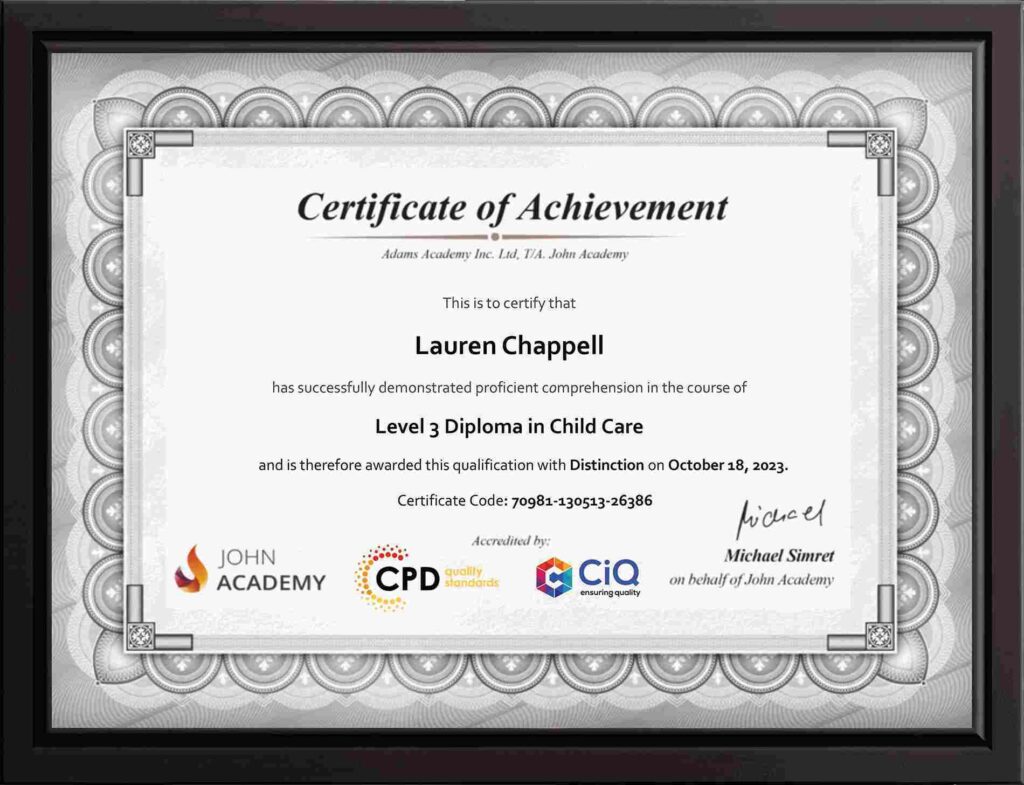
Course Certificate Certificate
 -
16 Units
Units -
2 Quizzes
 -
12 hours, 10 minutes Duration


Description:
Learning the basic skills in Microsoft Word only includes how to create and edit simple documents. If you want to work with pictures and other objects, then you need to upgrade your skills on it. In this course, you will learn the advanced skills, knowledge, and information about Microsoft Word 2010. You will know how to use generated tables of contents and indexes, and other research and review tasks. It will be easier for you to use pictures, screenshots, clip art, Smart Art, WordArt, tables, text boxes, and cover pages to enhance your document.
Who is the course for?
- Professionals who want to learn about Microsoft Word 2010
- People who have an interest in the advanced functions and features of the Microsoft Word 2010
Entry Requirement:
- This course is available to all learners, of all academic backgrounds.
- Learners should be aged 16 or over to undertake the qualification.
- Good understanding of English language, numeracy and ICT are required to attend this course.
Assessment:
- At the end of the course, you will be required to sit an online multiple-choice test. Your test will be assessed automatically and immediately so that you will instantly know whether you have been successful.
- Before sitting for your final exam you will have the opportunity to test your proficiency with a mock exam.
Certification:
- After you have successfully passed the test, you will be able to obtain an Accredited Certificate of Achievement. You can however also obtain a Course Completion Certificate following the course completion without sitting for the test. Certificates can be obtained either in hard copy at a cost of £39 or in PDF format at a cost of £24.
- PDF certificate’s turnaround time is 24 hours and for the hardcopy certificate, it is 3-9 working days.
Why choose us?
- Affordable, engaging & high-quality e-learning study materials;
- Tutorial videos/materials from the industry leading experts;
- Study in a user-friendly, advanced online learning platform;
- Efficient exam systems for the assessment and instant result;
- The UK & internationally recognized accredited qualification;
- Access to course content on mobile, tablet or desktop from anywhere anytime;
- The benefit of career advancement opportunities;
- 24/7 student support via email.
Career Path:
The Microsoft Word 2010 Advanced Level course is a useful qualification to possess and would be beneficial for professions or careers from industries which are:
- Administrative Assistant
- PA
- Secretary
- Administrator
- Office Manager.
-
 Module One – Getting Started 00:30:00
 -
Module Two – Working with the Word Window 01:00:00
-
Module Three – Adding Pictures 01:00:00
-
Module Four – Formatting Pictures 01:00:00
-
Module Five – Adding Smart Art 01:00:00
-
Module Six – Adding Tables 01:00:00
-
Module Seven – Inserting Special Objects 01:00:00
-
Module Eight – Adding In Document References 01:00:00
-
Module Nine – Advanced Research Tasks 01:00:00
-
Module Ten – Reviewing a Document 01:00:00
-
Module Eleven – Customizing Word 01:00:00
-
Module Twelve – Wrapping Up 01:00:00
-
Activities – Microsoft Word 2010 Advanced Level
-
Order Your Certificates and Transcripts
What Our Students are Saying

Sam Carpenter
John Academy has helped me in my development, and I took the courses seriously and gained a qualifications certificate, which I've wanted to do for a long time. I highly recommend it, and a few friends have signed up, too. Thank you, John Academy.
Georgina Salazar
Easy to access, generous options for multiple learning and approaches. Supportive team.
Wayne Wright
The course empowers me to make my dreams come true. The course material was excellent. John Academy is good to study.
Romina
I am thankful that I have chosen John Academy for my online courses. It has given me a platform where I have learned a lot. It has so many reading materials with a handful of knowledge. Once again, thank you so much to the John Academy support team, who has cooperated & supported me throughout this journey.
Peter Gilbert
Brilliant course, with so many to choose from, very good value and a certificate at the end. Quick turnaround to receive a certificate. Very good academy I have completed several and have 2 ongoing at the moment. Never had any problems. Excellent customer service. Would recommend.

Other Students Also Bought
No course found