Power BI Course

(253 Reviews)
★ ★ ★ ★ ★
★ ★ ★ ★ ★

stds1237 Students

Power BI Course

GET ACCESS TO THIS COURSE ALONG WITH 3000+ ONLINE COURSES FOR A YEAR FOR JUST £49. GET NOW

🔥16 items sold in last 9 hours

Power BI Course

Join thousands of learners building a successful career

14-Day Money-Back Guarantee

Overview


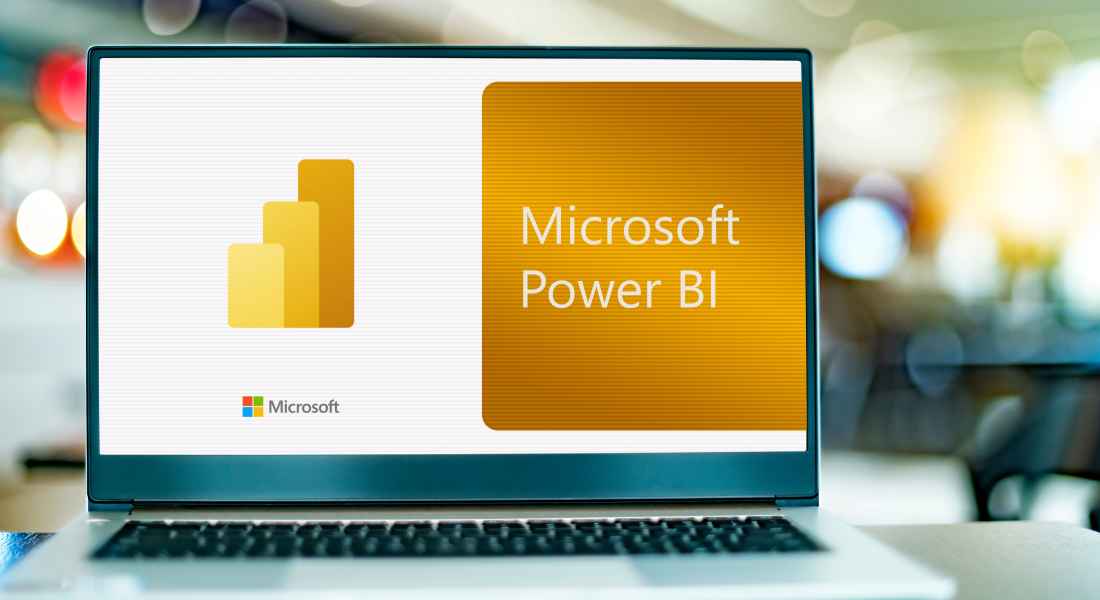
Take your data visualisation and analytical skills to the next level with our Power BI Course. This in-depth course is designed to help you enhance your proficiency with Power BI.

Firstly, you will be introduced to Power BI and its integration with Microsoft Excel. You will also gain an understanding of Power BI Service, which allows you to publish, manage, and collaborate on reports online. Secondly, you will learn how to prepare data in Power BI. Along the way, you will explore additional tools such as Power BI Report Builder, helping you create paginated, print-ready reports for more detailed insights. Finally, you will be taught about saving and sharing Power BI reports, after five more topics.

At the end of the course, you will receive a certificate of achievement. This certificate will enhance your employability in the IT industry. Join now!

Course Preview

Learning Outcomes

  • Learn how to configure and use Power BI Desktop for data visualisation and reporting.
  • Master the process of using Power Query to import and transform data.
  • Understand how to create and manage table relationships to ensure that data is accurately represented.
  • Learn how to manage huge datasets with advanced filtering techniques and slicers.
  • Understand how to create dynamic and engaging dashboards using many tiles and visuals.
  • Discover Power BI’s publishing capabilities and how to share results with colleagues or clients.
  • Understand advanced visuals and third-party integrations, including visual animation.
  • Use your knowledge in practical projects, such as building an interactive sales dashboard.

Why Take This Course From John Academy?

  • Affordable, well-structured and high-quality e-learning study materials
  • Meticulously crafted, engaging and informative tutorial videos and materials
  • Efficient exam systems for the assessment and instant result
  • Earn UK & internationally recognised accredited qualification
  • Easily access the course content on mobile, tablet, or desktop from anywhere, anytime
  • Excellent career advancement opportunities
  • Get 24/7 student support via email

What Skills Will You Learn from This Course?

  • Advanced Data Importing and Transformation with Power Query.
  • Managing Table Relationships and Data Models.
  • Building and Customising Power BI Dashboards.
  • Advanced Filtering, Slicers, and Visual Interactions.
  • Publishing Power BI Reports to the Web or Teams.
  • Incorporating Third-Party Visuals and Tools for Enhanced Reporting.
  • Practical Data Visualisation Techniques.

Who Should Take This Power BI Course?

Whether you’re an existing practitioner or an aspiring professional, this course is an ideal training opportunity. It will elevate your expertise and boost your CV with key skills and a recognised qualification attesting to your knowledge.

Are There Any Entry Requirements?

This Power BI Course is available to all learners of all academic backgrounds. But learners should be aged 16 or over to undertake the qualification. And a good understanding of the English language, numeracy, and ICT will be helpful.

Power BI Course Certification

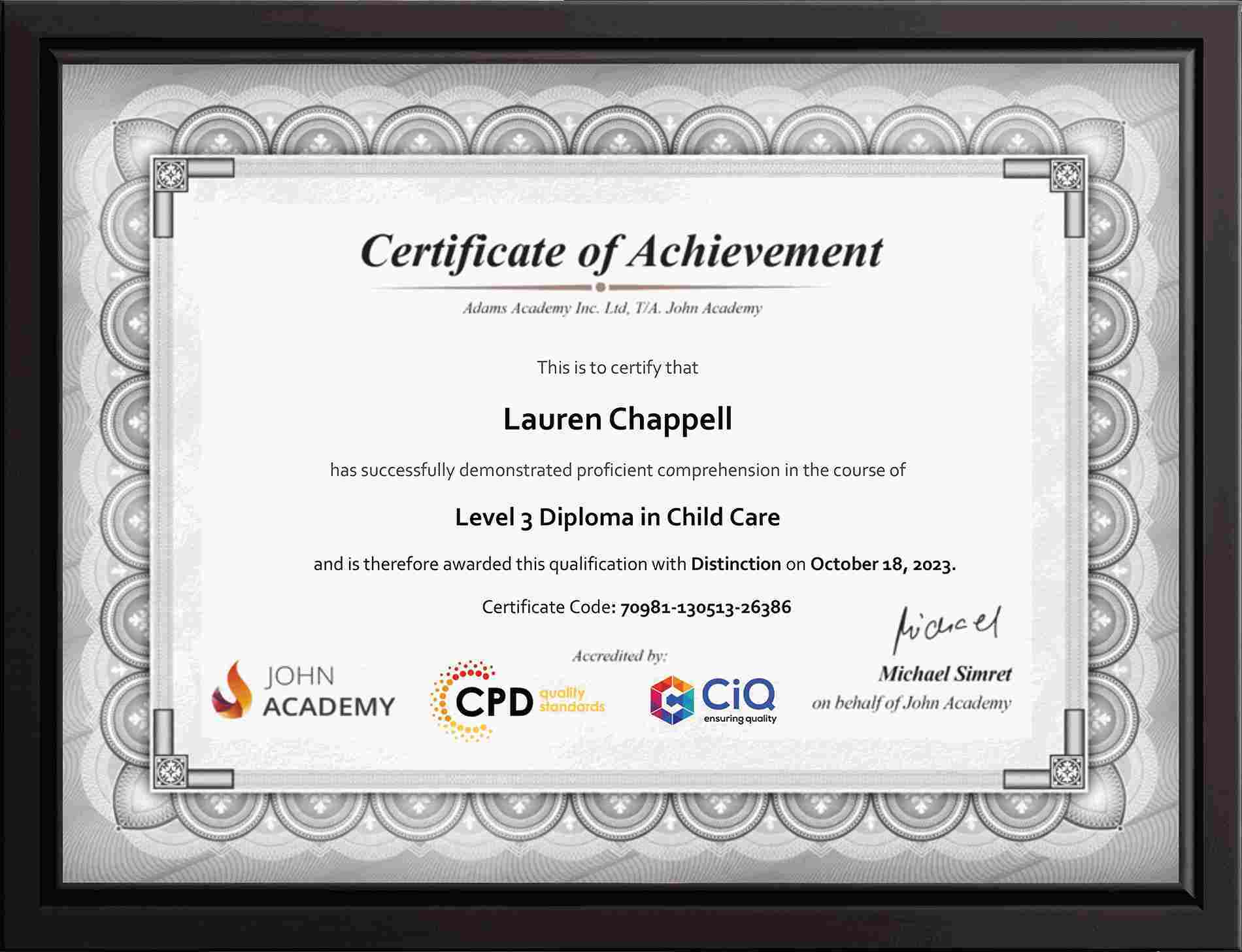
After completing and passing the Power BI Course successfully, you will be able to obtain a Recognised Certificate of Achievement. Learners can obtain the certificate in hard copy at £14.99 or PDF format at £11.99.

Career Path​

This exclusive Power BI Course will equip you with effective skills and abilities and help you explore career paths such as 

  • Data Analyst
  • Business Intelligence Analyst
  • Power BI Specialist
  • Project Manager
  • Data Visualisation Expert

Frequently Asked Questions

Power BI is a business analytics tool by Microsoft that helps you connect, visualise and share data insights with interactive dashboards and reports across devices. It’s widely used for data‑driven decision‑making in organisations.

You import data via Power BI Desktop using Power Query. You can connect to Excel, SQL, cloud or online services, then clean and transform data before building reports.

Power Query is the data transformation tool in Power BI that extracts, cleans and reshapes data from multiple sources so it’s ready for analysis and reporting.

Yes , Power BI can directly connect to Excel files, importing tables, named ranges and data models so you can build visuals and dashboards easily.

After creating a report in Power BI Desktop, publish it to the Power BI Service and share dashboards or embed links so colleagues and clients can view and interact with them.

Course Curriculum

Course Curriculum

  • video Power BI Training – Taking PowerBI to the next level.
    00:03:00

Frequently Asked Questions

Do I need any previous qualifications to join this course?

Most courses do not require prior qualifications unless stated otherwise on the course page. Please check the individual course description for any specific entry requirements.

What is the minimum age to enrol on a course?

Learners must usually be 16 years or older to enrol. However, learners under 16 may join with parental or guardian consent.

What happens if I fail the exam? Can I retake it?

Yes, if you do not pass the exam on your first attempt, you may retake the exam up to 3 times, depending on the course terms.

How long will I have access to the course?

You will normally have 1 year of access to your course from the date of enrolment. Course duration may vary, and the estimated study time is mentioned on the relevant course page.

Can I take the course from outside the UK?

Yes, our courses are available worldwide. You can enrol and study from any country as long as you have an internet-connected device.