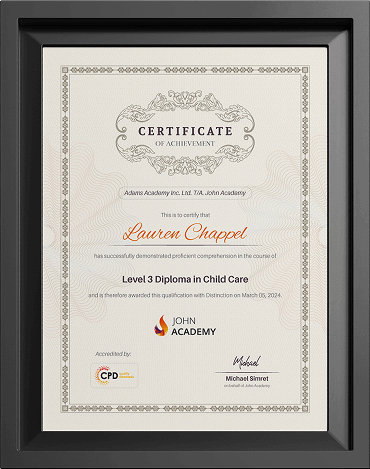
Using ChatGPT with Excel
In today’s data-driven world, professionals are constantly looking for smarter ways to manage, analyse, and automate tasks efficiently. Combining the …
 1219 Students


Save 93.15 % - Offer ENDS SOON

 Access All Courses for Only £49
 14-Day Money-Back Guarantee
-
1 Year Access
 -
Intermediate Skill Level
 -
57 minutes Duration
Using ChatGPT with Excel
Join thousands of learners building a successful career


Excellent
 Based on 429 reviews
 GB
GB
This Pharmacy Assistant Diploma gave me a solid understanding of pharmacy procedures and customer care. The lessons were clear and practical.
GB
I enjoyed the course from beginning to end. It explained medication handling, stock management, and communication in a very simple way.
GB
Excellent online course with well-structured modules. I now feel much more confident about working in a pharmacy environment.
Course Curriculum
-
 Using Excel with ChatGPT 00:57:00
-
Additional Material – Using ChatGPT with Excel
-
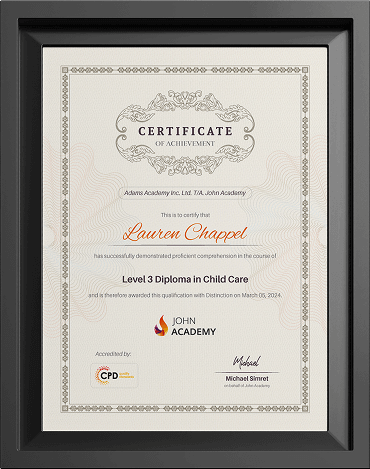
Order Your Certificates and Transcripts
-
Share your Feedback
Frequently Asked Questions
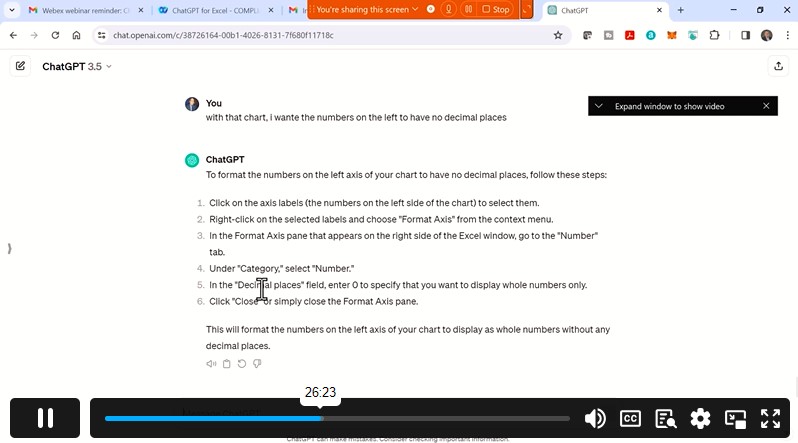
ChatGPT helps automate repetitive Excel tasks such as formulas, data cleaning, formatting, and report generation. Learners can save time by using AI prompts to create efficient workflows, improve productivity, and simplify complex spreadsheet operations without advanced Excel skills.
Yes, ChatGPT can generate Excel formulas for calculations, lookups, conditional formatting, and data analysis. Students learn how to describe tasks in plain language and receive accurate formulas, making spreadsheet work easier, faster, and more accessible for beginners and professionals.
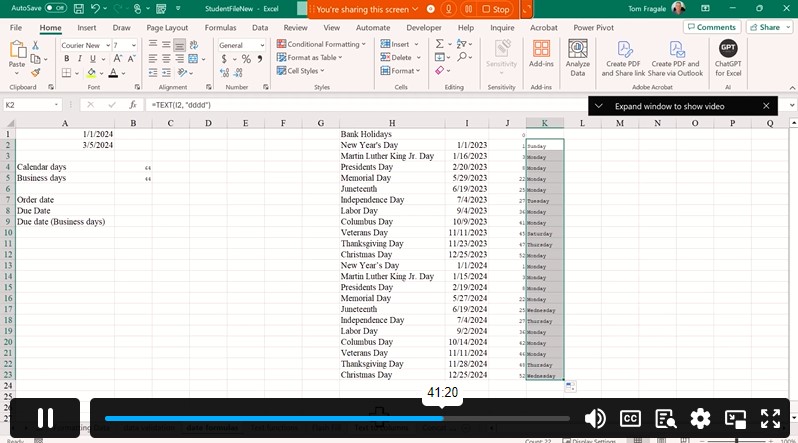
ChatGPT can assist with Excel data analysis by identifying trends, summarizing datasets, generating charts, and suggesting insights. This course teaches practical methods to combine AI with Excel tools for smarter decision-making and improved business or academic reporting efficiency.
Absolutely. Beginners can use ChatGPT with Excel to understand formulas, automate tasks, and improve spreadsheet accuracy. The course provides step-by-step guidance, helping learners build confidence while using AI-powered techniques to manage data more effectively and efficiently.
Using ChatGPT in Excel improves productivity, reduces manual errors, and speeds up spreadsheet tasks. Learners discover how AI can simplify reporting, automate calculations, assist with data management, and enhance overall workflow efficiency for personal, academic, or business use.