Graphic Design Using Canva
 13 Students
Save 93.15 % - Offer ENDS SOON

 Access All Courses for Only £49
 14-Day Money-Back Guarantee
-
1 Year Access
 -
Intermediate Skill Level
 -
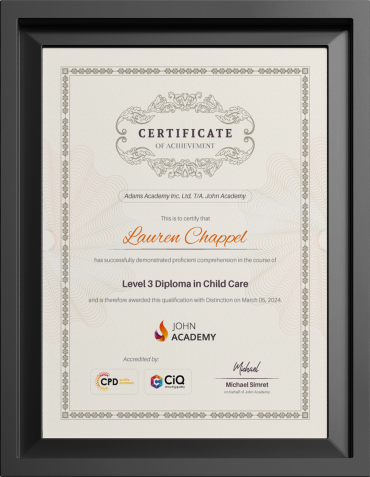
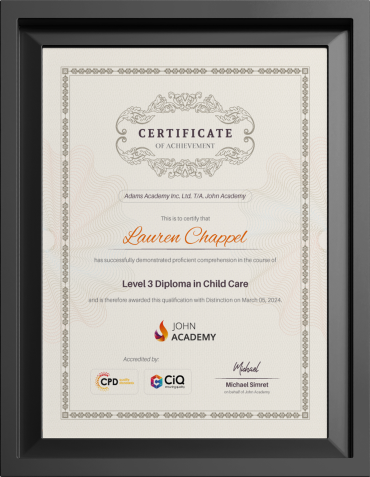
Course Certificate Certificate
 -
17 Units
Units -
0 Quizzes
 -
3 hours, 34 minutes Duration





-
 Introduction to Adobe Colour 00:03:00
 -
Adobe Colour Lesson 2 00:03:00
-
Adobe Colour Lesson 3 00:05:00
-
How to Use Canva 00:55:00
-
How to design a logo on Canva 00:11:00
-
Canva text-to-Image AI for NFT 00:10:00
-
Poster designs on Canva 00:13:00
-
How to Use Canva templates 00:14:00
-
Snapseed 00:14:00
-
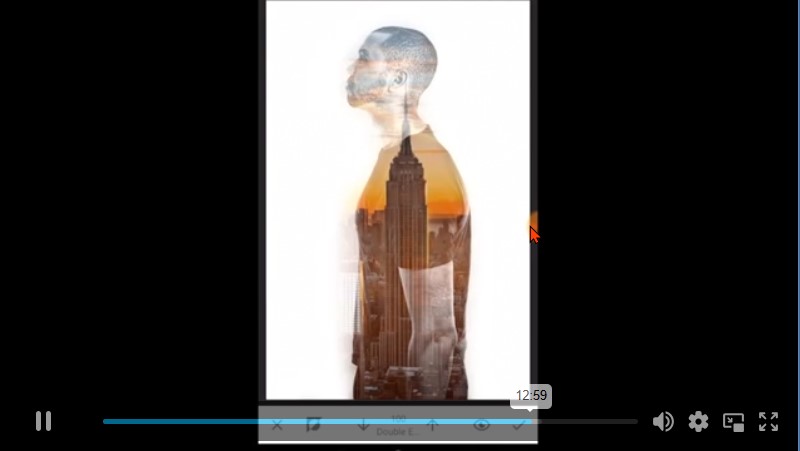
Double Exposure 00:16:00
-
Exposure Adjustments 00:06:00
-
Colour Splash Part-1 00:15:00
-
Colour Splash Part-2 00:17:00
-
Create Flyer Designs on Canva 00:28:00
-
How to Work with Layers in Canva App 00:02:00
-
Creating a 3D Mockup Design with your Phone 00:02:00
-
Order Your Certificates and Transcripts

Sam Carpenter
John Academy has helped me in my development, and I took the courses seriously and gained a qualifications certificate, which I've wanted to do for a long time. I highly recommend it, and a few friends have signed up, too. Thank you, John Academy.
Georgina Salazar
Easy to access, generous options for multiple learning and approaches. Supportive team.
Wayne Wright
The course empowers me to make my dreams come true. The course material was excellent. John Academy is good to study.
Romina
I am thankful that I have chosen John Academy for my online courses. It has given me a platform where I have learned a lot. It has so many reading materials with a handful of knowledge. Once again, thank you so much to the John Academy support team, who has cooperated & supported me throughout this journey.
Peter Gilbert
Brilliant course, with so many to choose from, very good value and a certificate at the end. Quick turnaround to receive a certificate. Very good academy I have completed several and have 2 ongoing at the moment. Never had any problems. Excellent customer service. Would recommend.

Other Students Also Bought