Microsoft Excel 2016 Beginner to Advanced Level Course
Strong spreadsheet and data management skills are essential in today’s digital workplace. From finance and administration to marketing, project management, …
 1254 Students


Save 93.15 % - Offer ENDS SOON

 Access All Courses for Only £49
 14-Day Money-Back Guarantee
-
1 Year Access
 -
Advanced Skill Level
 -
10 hours, 28 minutes Duration
Microsoft Excel 2016 Beginner to Advanced Level Course
Join thousands of learners building a successful career



Course Curriculum
-
 Navigate the Excel User Interface 00:28:00
 -
Use Excel Commands 00:10:00
-
Create and Save a Basic Workbook 00:19:00
-
Enter Cell Data 00:12:00
-
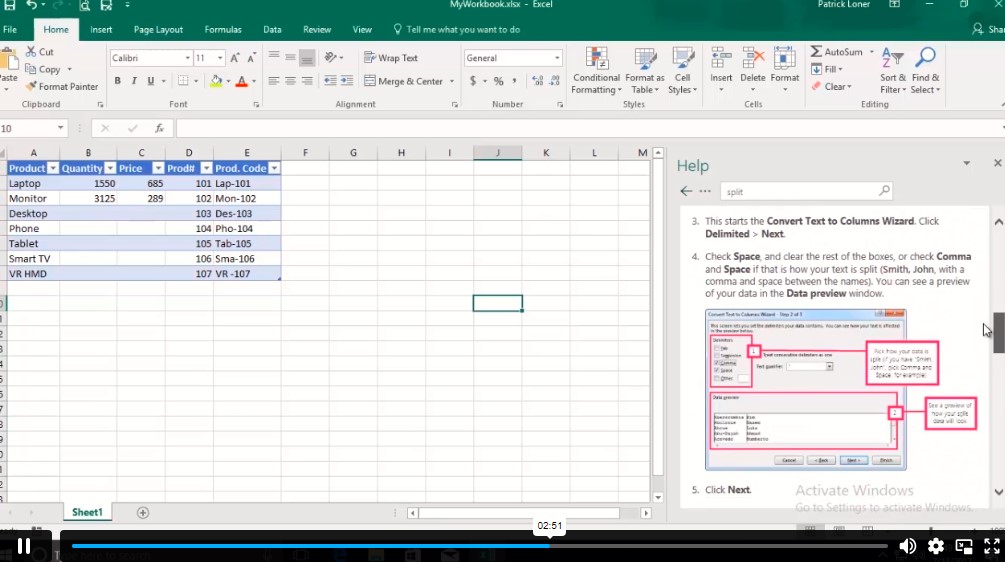
Use Excel Help 00:05:00
-
Create Worksheet Formulas 00:15:00
-
Insert Functions 00:17:00
-
Reuse Formulas and Functions 00:17:00
-
Insert, Delete, and Adjust Cells, Columns, and Rows 00:10:00
-
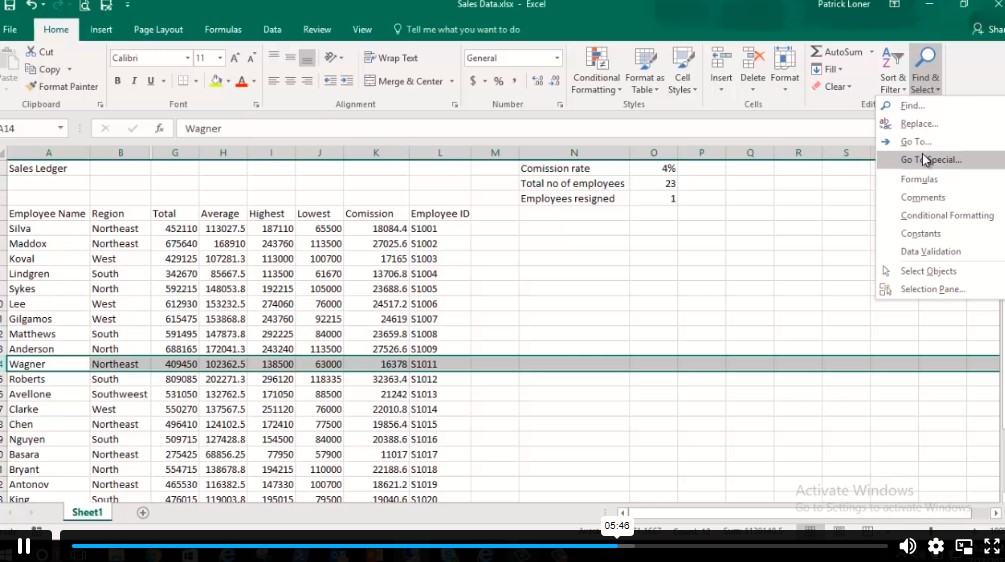
Search for and Replace Data 00:09:00
-
Use Proofing and Research Tools 00:07:00
-
Apply Text Formats 00:16:00
-
Apply Number Format 00:08:00
-
Align Cell Contents 00:09:00
-
Apply Styles and Themes 00:12:00
-
Apply Basic Conditional Formatting 00:11:00
-
Create and Use Templates 00:08:00
-
Preview and Print a Workbook 00:10:00
-
Set Up the Page Layout 00:09:00
-
Configure Headers and Footers 00:07:00
-
Manage Worksheets 00:05:00
-
Manage Workbook and Worksheet Views 00:07:00
-
Manage Workbook Properties 00:06:00
-
Work with Ranges 00:18:00
-
Use Specialized Functions 00:11:00
-
Work with Logical Functions 00:23:00
-
Work with Date & Time Functions 00:08:00
-
Work with Text Functions 00:11:00
-
Sort Data 00:10:00
-
Filter Data 00:10:00
-
Query Data with Database Functions 00:09:00
-
Outline and Subtotal Data 00:09:00
-
Create and Modify Tables 00:16:00
-
Apply Intermediate Conditional Formatting 00:07:00
-
Apply Advanced Conditional Formatting 00:05:00
-
Create Charts 00:13:00
-
Modify and Format Charts 00:12:00
-
Use Advanced Chart Features 00:12:00
-
Create a PivotTable 00:13:00
-
Analyze PivotTable Data 00:12:00
-
Present Data with PivotCharts 00:07:00
-
Filter Data by Using Timelines and Slicers 00:11:00
-
Use Links and External References 00:12:00
-
Use 3-D References 00:06:00
-
Consolidate Data 00:05:00
-
Use Lookup Functions 00:12:00
-
Trace Cells 00:09:00
-
Watch and Evaluate Formulas 00:08:00
-
Collaborate on a Workbook 00:19:00
-
Protect Worksheets and Workbooks 00:08:00
-
Apply Data Validation 00:13:00
-
Search for Invalid Data and Formulas with Errors 00:04:00
-
Work with Macros 00:18:00
-
Create Sparklines 00:07:00
-
MapData 00:07:00
-
Determine Potential Outcomes Using Data Tables 00:08:00
-
Determine Potential Outcomes Using Scenarios 00:09:00
-
Use the Goal Seek Feature 00:04:00
-
Forecasting Data Trends 00:05:00
-
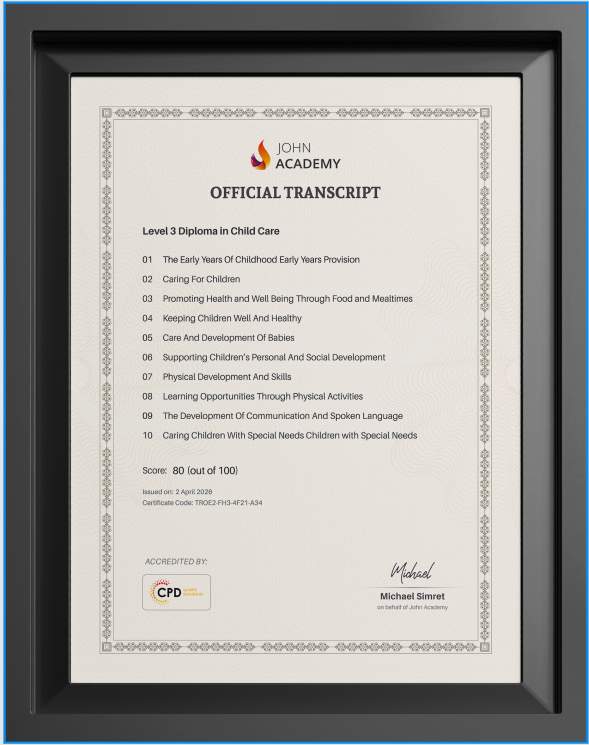
Order Your Certificates and Transcripts
Frequently Asked Questions
An Excel course teaches spreadsheet fundamentals, formulas, functions, data analysis, chart creation, PivotTables, workbook management, and automation techniques. These skills help improve productivity, reporting accuracy, and decision-making in professional and personal projects.
Excel formulas perform calculations using cell references, while functions provide built-in tools for tasks like summing values, analyzing data, and searching information. Mastering them improves efficiency, accuracy, and problem-solving capabilities in spreadsheets.
PivotTables help summarize, organize, and analyze large datasets quickly. They allow users to identify trends, compare information, generate reports, and gain valuable insights without manually sorting or calculating extensive amounts of data.
Excel offers tools such as sorting, filtering, formulas, charts, PivotTables, and forecasting features. These tools help users analyze data efficiently, uncover patterns, make informed decisions, and present information in a clear format.
Excel automation uses features like formulas, functions, templates, and workbook tools to reduce repetitive tasks. Automation improves productivity, minimizes errors, saves time, and enables users to manage complex spreadsheets more effectively.