Windows 10 Installation Training Course

(203 Reviews)

stds826 Students

Windows 10 Instolation

GET ACCESS TO THIS COURSE ALONG WITH 3000+ ONLINE COURSES FOR A YEAR FOR JUST £49. GET NOW

🔥15 items sold in last 8 hours

Windows 10 Installation Training Course

Join thousands of learners building a successful career

14-Day Money-Back Guarantee

Strong technical skills in Windows 10 Installation are essential for IT professionals, system administrators, and anyone working in modern digital environments. As organisations continue to rely on Microsoft operating systems for daily operations, the ability to install, configure, deploy, and manage Windows 10 efficiently has become a highly valuable skill. The Windows 10 Installation Training Course is designed to provide learners with the practical knowledge and technical expertise required to handle real-world system installation and deployment tasks.

Whether you are starting your IT career, working in technical support, or aiming to upgrade your system administration skills, this course offers a structured and hands-on learning experience. It focuses on installation techniques, deployment strategies, system configuration, and troubleshooting skills necessary for managing Windows environments effectively.

Course Overview

The Windows 10 Installation Training Course provides a comprehensive introduction to installing, deploying, and managing Windows 10 in both personal and enterprise environments. It is designed to help learners understand how operating systems function and how to configure them to meet organisational requirements.

This course covers essential concepts of Windows 10 Installation, including hardware requirements, installation methods, and system setup processes. Learners will gain insight into both manual and automated deployment techniques used in modern IT infrastructures.

A key focus of the course is understanding different deployment strategies such as network-based installations, cloud-based provisioning, and enterprise-level deployment tools. Learners will also explore system configuration, device management, driver installation, and network setup, ensuring a complete understanding of Windows 10 environments.

In addition, the course highlights important areas such as system security, user account management, storage configuration, and application installation. You will also learn how to troubleshoot common system issues, optimise performance, and maintain system stability.

By combining theoretical knowledge with practical application, this course prepares learners to confidently perform Windows 10 Installation and support tasks in real-world IT environments.

Course Preview

Learning Outcomes

By completing this Windows 10 Installation Training Course, you will be able to:

  • Understand the fundamentals of Windows 10 Installation and operating system deployment
  • Identify hardware requirements and prepare systems for installation
  • Perform manual and automated Windows 10 installations
  • Deploy Windows 10 using network-based and cloud-based solutions
  • Configure devices, drivers, and system settings effectively
  • Set up and manage network connections, DNS, and Wi-Fi configurations
  • Manage user accounts and system security settings
  • Install and manage applications and system tools
  • Troubleshoot installation issues and improve system performance
  • Apply best practices for system maintenance, backup, and data protection

Why Take This Course From John Academy?

The demand for IT professionals with expertise in Windows 10 Installation continues to grow as businesses rely heavily on stable and secure operating systems. Enrolling in this course provides you with the essential skills needed to install, configure, and manage Windows 10 systems efficiently.
Key benefits include the following:

  • Gain practical knowledge of Windows 10 installation and deployment
  • Learn industry-relevant tools and techniques used by IT professionals
  • Understand system configuration, networking, and security fundamentals
  • Develop troubleshooting and problem-solving skills
  • Improve your ability to manage enterprise-level IT environments
  • Flexible online learning accessible anytime, anywhere
  • No prior advanced technical experience required

This course is ideal for anyone looking to build a strong foundation in IT support, system administration, or technical services.

Who is this Course for?

This Windows 10 Installation Training Course is suitable for a wide range of learners, including:

  • Individuals starting a career in IT support or system administration
  • Help desk and technical support professionals
  • Students pursuing careers in information technology
  • Network administrators and IT technicians
  • Professionals looking to upgrade their technical skills
  • Anyone interested in learning Windows 10 Installation and system setup

Whether you are a beginner or an experienced professional, this course provides valuable skills for managing Windows systems.

Prerequisites

There are no formal entry requirements for this course. It is designed to be accessible to learners from all backgrounds.

However, the following may be helpful:

  • Basic understanding of computers and operating systems
  • Familiarity with general IT concepts
  • Interest in system installation and troubleshooting
  • Motivation to develop technical skills in IT

This makes the course suitable for beginners as well as professionals seeking to enhance their expertise.

Assessment Method

To successfully complete the Windows 10 Installation Training Course, learners will undertake an automated multiple-choice assessment. This assessment is designed to evaluate understanding of key installation concepts, deployment methods, and system configuration techniques.

Learners will also have access to supporting materials and practical examples that reinforce their knowledge and help them apply concepts in real-world IT scenarios.

Certification

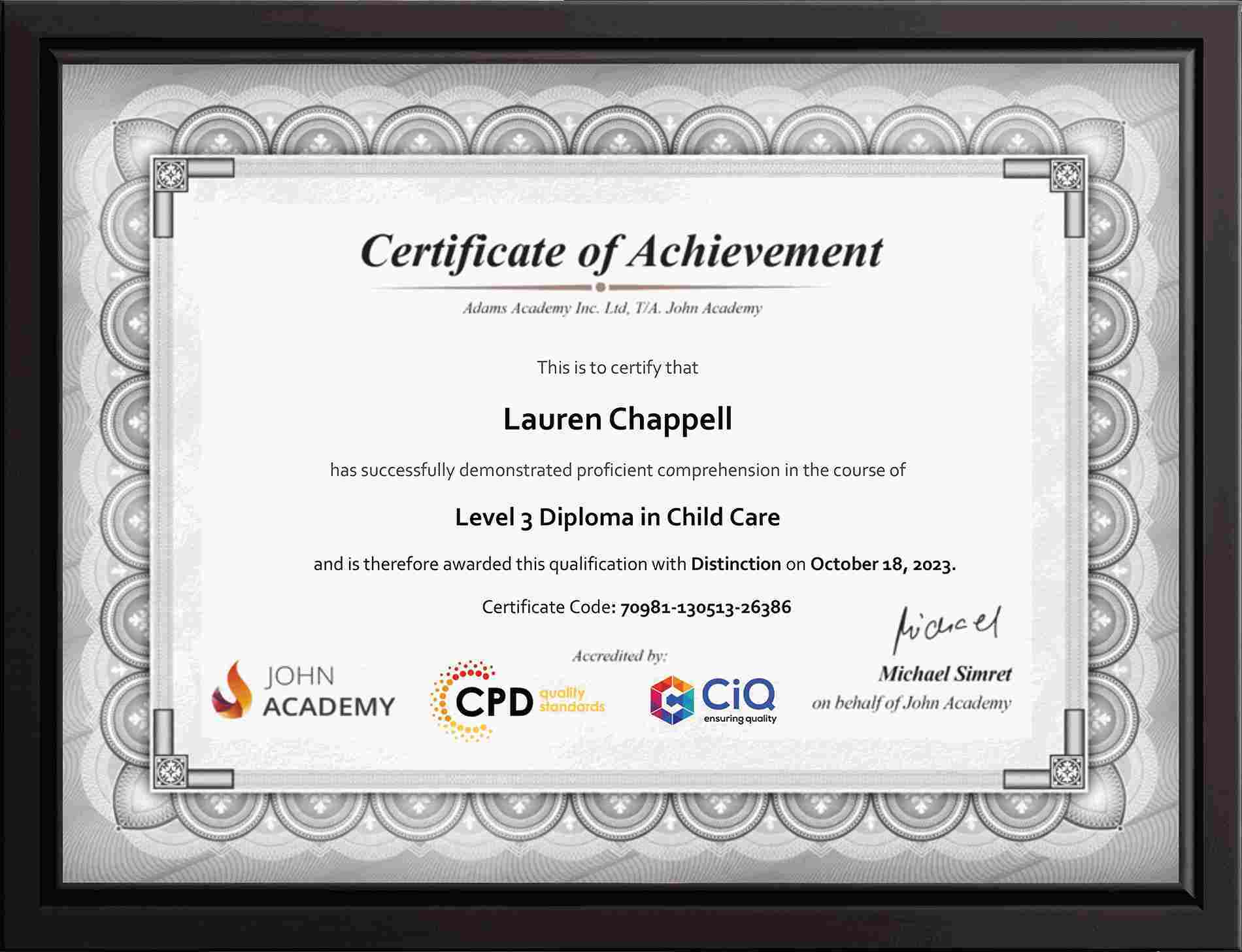
Upon successful completion of the course, you will receive a certificate and transcript recognising your skills in Windows 10 Installation and system deployment.

This certification demonstrates your ability to install, configure, and manage Windows 10 systems, making it a valuable addition to your CV for IT roles.

You will receive:

  • A digital certificate for immediate access
  • A printed certificate for professional use

This qualification enhances your professional credibility and supports career growth in the IT industry.

John-Certificate-MockupJohn-Certificate-Mockup

Career Path​

Completing this course opens the door to a variety of career opportunities in the information technology sector. With organisations continuously upgrading and maintaining their systems, professionals skilled in Windows 10 Installation are in high demand.

Potential career roles include the following:

IT Support Technician – £20,000 to £35,000 annually

Provide technical support and system installation services

Help Desk Analyst – £22,000 to £38,000 annually

Troubleshoot user issues and manage system configurations

System Administrator – £30,000 to £55,000 annually

Manage operating systems, networks, and enterprise systems

Desktop Support Engineer – £25,000 to £45,000 annually

Install, configure, and maintain desktop environments

Network Technician – £28,000 to £50,000 annually

Support network infrastructure and system connectivity

Windows 10 Installation Training Course

Excellent
Based on
203 Reviews
Jessica Turner GB

The Windows 10 Installation Training Course was informative and very practical. I appreciated the flexible online format and the detailed explanations throughout the modules. It has helped improve my confidence with computer maintenance tasks.

Course Curriculum

  • video Introduction
    00:08:00

Frequently Asked Questions

1. How do I install Windows 10 step-by-step?

Installing Windows 10 involves preparing bootable media, configuring BIOS/UEFI settings, selecting installation options, partitioning storage, and completing setup. This course guides you through manual and automated installation methods for both beginners and IT professionals.

2. What are the system requirements for Windows 10?

Windows 10 requires a compatible processor, sufficient RAM, storage space, and graphics support. Understanding hardware requirements ensures smooth installation, optimal performance, and compatibility with drivers, applications, and system updates.

3. What are different Windows 10 deployment methods?

Windows 10 can be deployed using manual installation, PXE boot, imaging tools, and Azure Autopilot. Each method suits different environments, from individual systems to enterprise-level deployments requiring automation and scalability.

4. How can I secure and protect Windows 10 systems?

Security involves enabling firewalls, antivirus protection, user account controls, updates, encryption, and secure network settings. Proper configuration helps prevent malware, unauthorized access, and data breaches in personal and professional environments.

5. How do I troubleshoot Windows 10 performance issues?

Troubleshooting includes identifying system errors, managing startup programs, updating drivers, checking storage, and using built-in diagnostic tools. Regular maintenance, backups, and performance monitoring ensure a stable and efficient Windows environment.