Basics of Microsoft Office 2016 Word
 4 Students


 14-Day Money-Back Guarantee
-
1 Year Access
 -
Intermediate Skill Level
 -
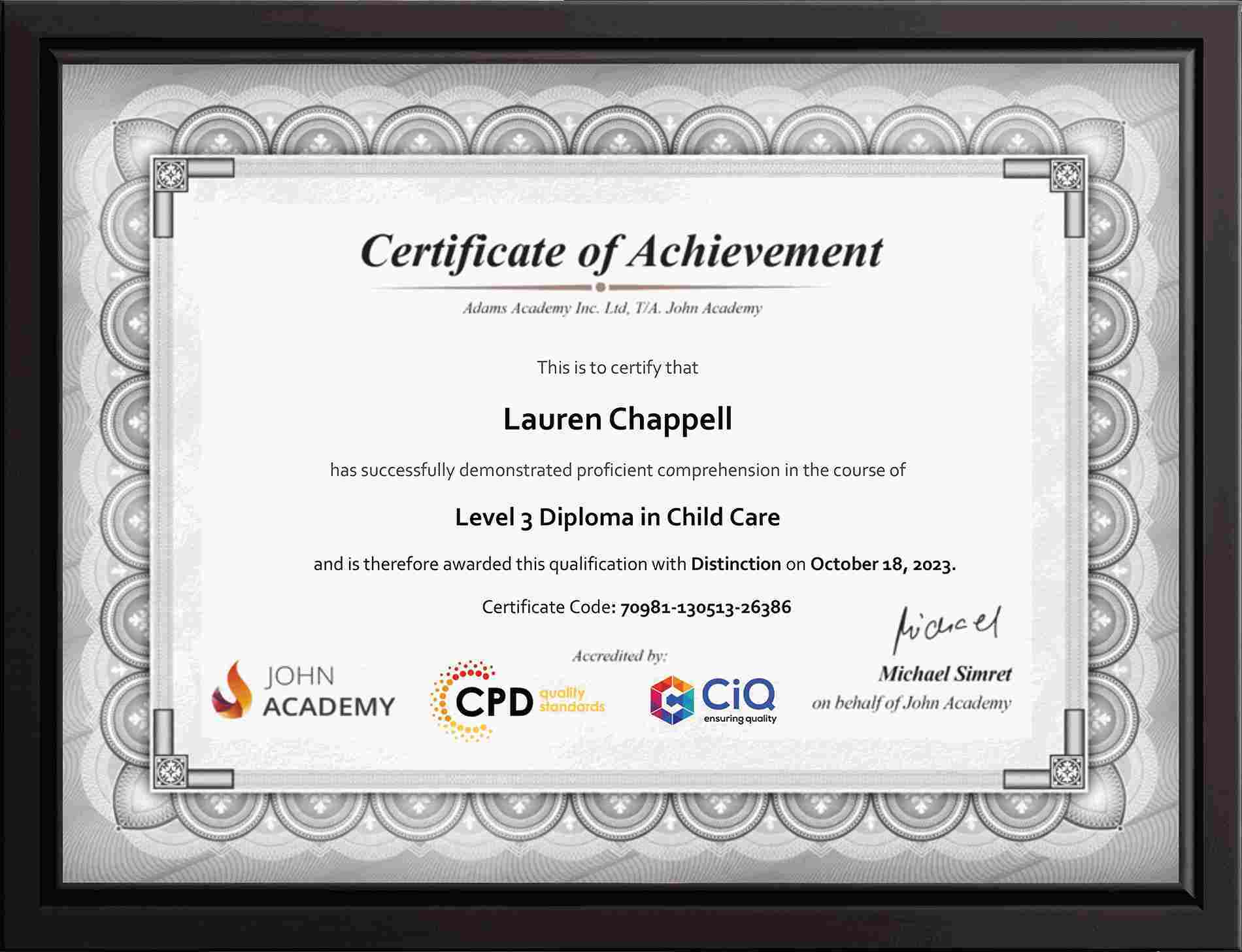
Course Certificate Certificate
 -
31 Units
Units -
0 Quizzes
 -
3 hours, 55 minutes Duration


-
 Navigate in Microsoft Word 00:12:00
 -
Create and Save Word Documents 00:24:00
-
Manage Your Workspace 00:06:00
-
Edit Documents 00:16:00
-
Preview and Print Documents 00:04:00
-
Customize the Word Environment 00:08:00
-
Apply Character Formatting 00:17:00
-
Control Paragraph Layout 00:19:00
-
Align Text Using Tabs 00:07:00
-
Display Text in Bulleted or Numbered Lists 00:03:00
-
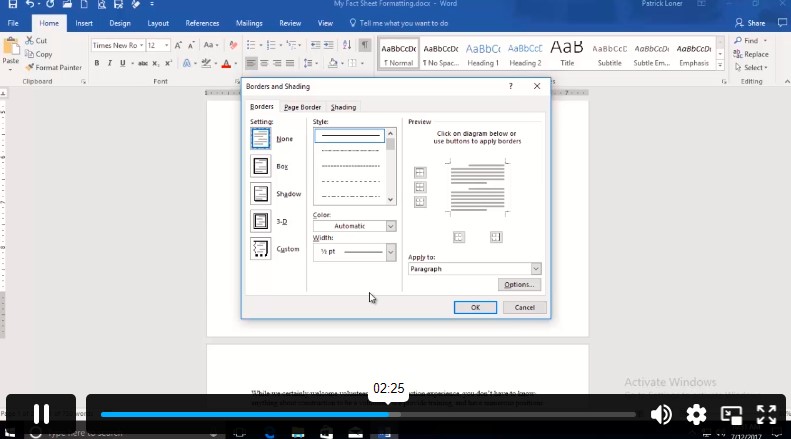
Apply Borders and Shading 00:05:00
-
Make Repetitive Edit 00:06:00
-
Apply Repetitive Formatting 00:10:00
-
Use Styles to Streamline Repetitive Formatting Tasks 00:14:00
-
Sort a List 00:05:00
-
Format a List 00:06:00
-
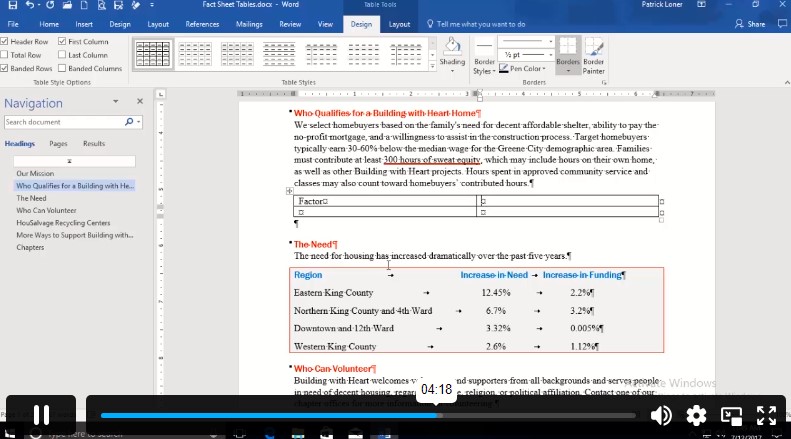
Insert a Table 00:07:00
-
Modify a Table 00:06:00
-
Format a Table 00:03:00
-
Convert Text to a Table 00:04:00
-
Insert Symbols and Special Characters 00:04:00
-
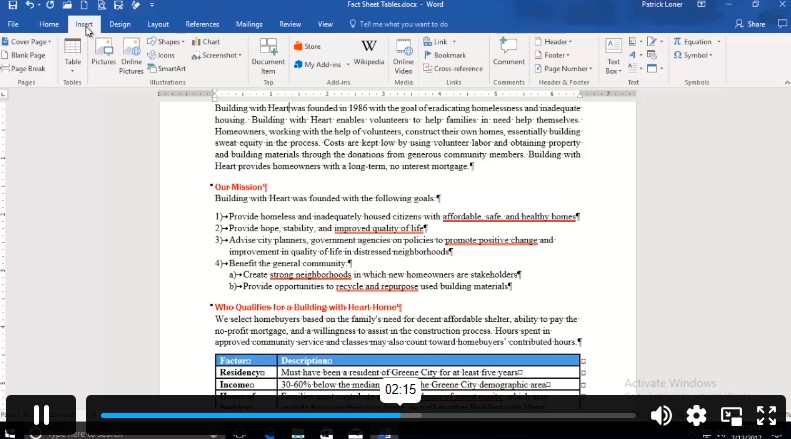
Add Images to a Document 00:11:00
-
Apply a Page Border and Color 00:03:00
-
Add Headers and Footers 00:06:00
-
Control Page Layout 00:05:00
-
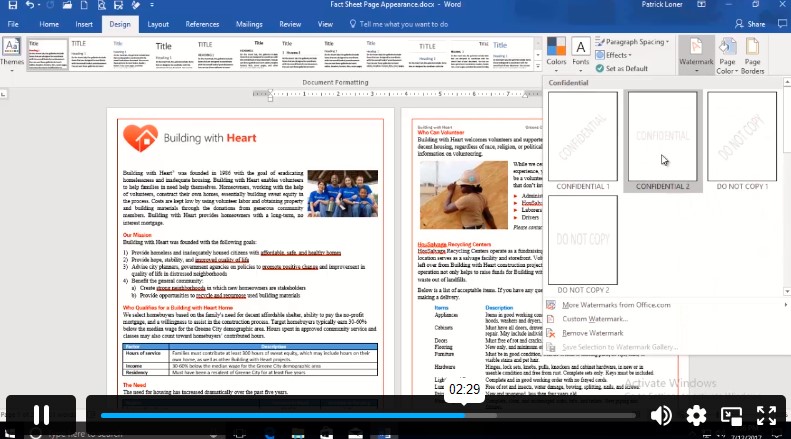
Add a Watermark 00:04:00
-
Check Spelling Grammar and Readability 00:07:00
-
Use Research Tools 00:06:00
-
Check Accessibility 00:03:00
-
Save a Document to Other Formats 00:04:00
-
Order Your Certificates and Transcripts
What Our Students are Saying

Sam Carpenter
John Academy has helped me in my development, and I took the courses seriously and gained a qualifications certificate, which I've wanted to do for a long time. I highly recommend it, and a few friends have signed up, too. Thank you, John Academy.
Georgina Salazar
Easy to access, generous options for multiple learning and approaches. Supportive team.
Wayne Wright
The course empowers me to make my dreams come true. The course material was excellent. John Academy is good to study.
Romina
I am thankful that I have chosen John Academy for my online courses. It has given me a platform where I have learned a lot. It has so many reading materials with a handful of knowledge. Once again, thank you so much to the John Academy support team, who has cooperated & supported me throughout this journey.
Peter Gilbert
Brilliant course, with so many to choose from, very good value and a certificate at the end. Quick turnaround to receive a certificate. Very good academy I have completed several and have 2 ongoing at the moment. Never had any problems. Excellent customer service. Would recommend.

Other Students Also Bought
No course found