Microsoft OneNote Course

Microsoft OneNote is one of the most powerful note-taking and information management tools used globally by students, professionals, and organisations …

(397 Reviews)

stds1156 Students

logo

Get access to 3000+ courses including this for a year only at £49. GET NOW

Microsoft OneNote

Microsoft OneNote Course

Join thousands of learners building a successful career

14-Day Money-Back Guarantee

Microsoft OneNote is one of the most powerful note-taking and information management tools used globally by students, professionals, and organisations to capture ideas, organise information, and improve productivity. The Microsoft OneNote Course is designed to help learners master OneNote from basic functions to advanced features, enabling efficient digital note management and collaboration.

Whether you are a student managing study notes, a professional handling workplace documentation, or someone looking to improve personal productivity, this course provides a structured and practical learning experience. It focuses on building strong digital organisation skills using Microsoft OneNote for everyday tasks and professional workflows.

Course Overview

OneNote is an excellent tool to stay organised and manage information efficiently. Learn the fundamentals of OneNote with our exclusive Microsoft OneNote Course. This course is designed to introduce you to the key features and show you how to use them.

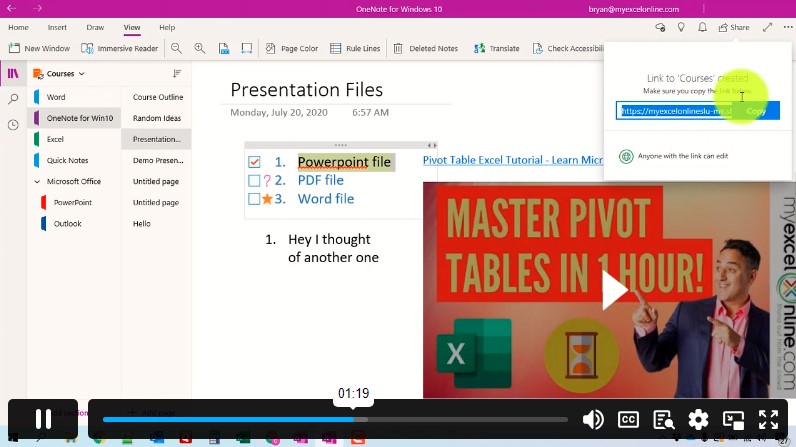
In this course, you will get an overall introduction to Microsoft OneNote. The modules will teach you how to manage multiple accounts. You will learn to insert different times and be able to use the tools efficiently. In addition, the course will enhance your knowledge of web clippers. It will show you how to share notebooks and pages. By the end of the course, you will learn to use OneNote to its fullest potential. So, enrol now and start learning!

Course Preview

Learning Outcomes

By completing this Microsoft OneNote Course, you will be able to:

  • Understand the core features and functions of Microsoft OneNote
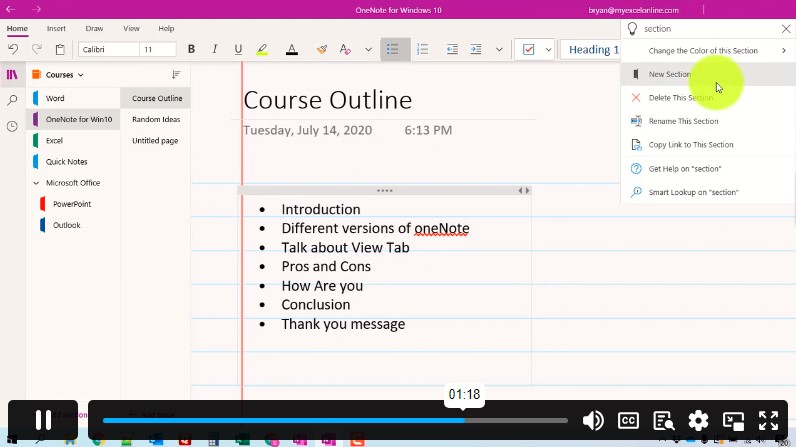
  • Create and organise notebooks, sections, and pages efficiently
  • Use Microsoft OneNote for structured digital note-taking
  • Insert and manage text, images, videos, and multimedia content
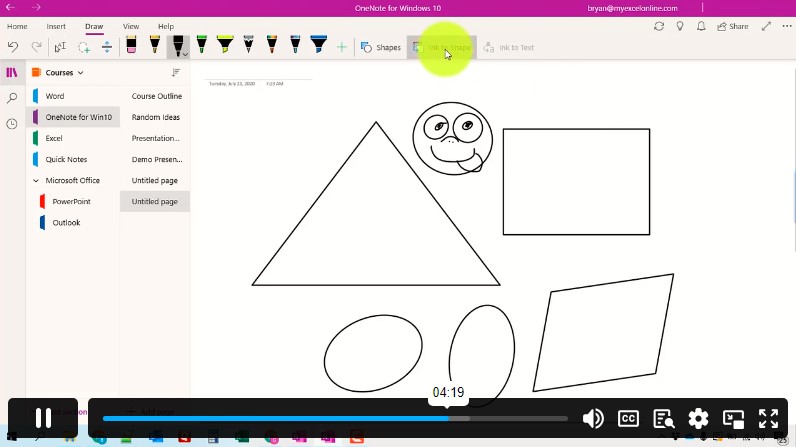
  • Apply drawing tools for annotations and visual explanations
  • Use search tools to quickly locate notes and information
  • Manage multiple Microsoft accounts within OneNote
  • Share notebooks and collaborate with others effectively
  • Use OneNote Web Clipper to save online content
  • Optimise productivity using advanced OneNote features and settings

Why Enrol in This Course?

Microsoft OneNote is widely used across educational institutions and workplaces for efficient information management. Enrolling in this course provides you with essential digital skills to improve organisation, productivity, and collaboration.

Key benefits include:

  • Master Microsoft OneNote for personal and professional use
  • Improve organisation of notes, documents, and ideas
  • Learn how to manage digital notebooks efficiently
  • Enhance productivity using advanced OneNote tools
  • Understand cloud syncing and cross-device access
  • Improve collaboration through shared notebooks
  • No prior experience required, making it ideal for beginners
  • Flexible learning suitable for students and professionals

This course is perfect for anyone looking to improve digital organisation and workplace efficiency using Microsoft OneNote.

Who is this course for?

This Microsoft OneNote Course is suitable for a wide range of learners, including:

  • Students who want to organise study notes digitally
  • Professionals managing workplace information and documentation
  • Teachers and educators creating structured learning materials
  • Business users handling project notes and collaboration tasks
  • Administrative staff managing records and data
  • Freelancers and remote workers improving productivity
  • Anyone interested in learning Microsoft OneNote for personal organisation

Whether you are a beginner or looking to improve your digital skills, this course provides practical and valuable knowledge.

Prerequisites

There are no formal entry requirements for this course. It is designed to be accessible to all learners.

However, the following may be helpful:

  • Basic computer literacy
  • Familiarity with Microsoft Office applications (optional)
  • Interest in digital organisation and productivity tools
  • Access to Microsoft OneNote (desktop or online version)

This makes the course suitable for beginners as well as professionals looking to upskill.

Assessment Method

To complete the Microsoft OneNote Course, learners will take an automated multiple-choice assessment designed to test understanding of key features and practical usage.

The assessment evaluates your ability to use Microsoft OneNote for note-taking, organisation, collaboration, and productivity enhancement.

Supporting learning materials and exercises are provided to help reinforce practical understanding and real-world application.

Certification

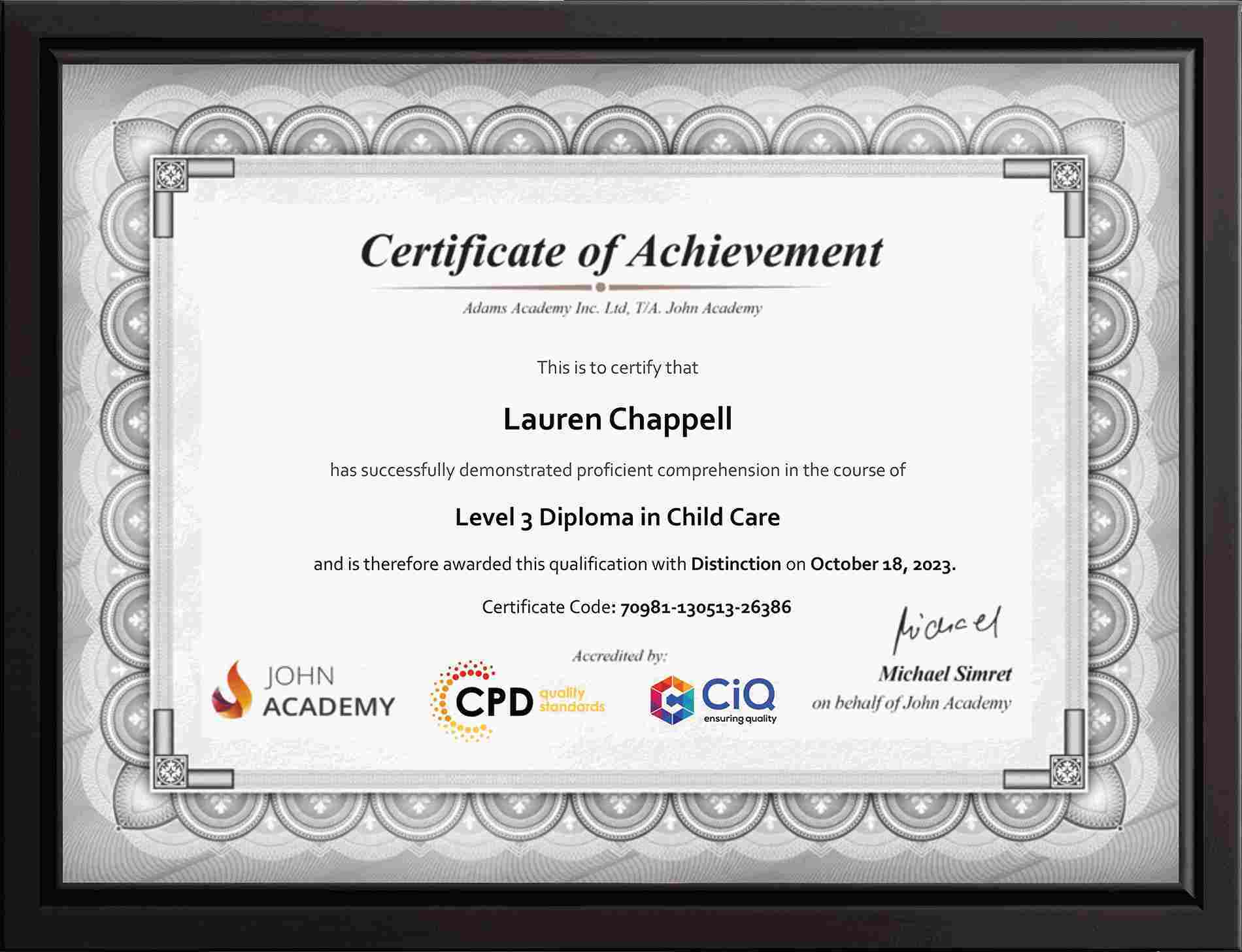
Upon successful completion of the course, learners will receive a certificate and transcript recognising their knowledge of Microsoft OneNote.

This certification demonstrates your ability to effectively use OneNote for digital organisation and productivity, making it a valuable addition to your CV and professional profile.

You will receive:

  • A digital certificate for instant access
  • A printed certificate for professional use

This qualification enhances your digital skills credibility and supports career development in administrative, educational, and business roles.

John-Certificate-MockupJohn-Certificate-Mockup

Career Path​

Completing this course opens up opportunities in various roles where digital organisation and Microsoft Office skills are essential.

Potential career roles include:

  • Administrative Assistant – £20,000 to £30,000 annually

Manage documentation, scheduling, and office organisation using digital tools

  • Office Administrator – £22,000 to £35,000 annually

Handle organisational tasks and digital record management

  • Project Coordinator – £25,000 to £45,000 annually

Organise project notes, timelines, and team collaboration

  • Virtual Assistant – £20,000 to £40,000 annually

Provide remote administrative and organisational support

  • Data Entry / Documentation Specialist – £18,000 to £30,000 annually

Manage structured information and digital documentation systems

Course Curriculum

  • video Learn OneNote Basics!
    00:01:00

Frequently Asked Questions

1. What is Microsoft OneNote used for?

Microsoft OneNote is a digital note-taking tool used to organize notes, ideas, files, and media in structured notebooks. It helps users store information, collaborate in real time, and access content across multiple devices easily.

2. How do I organize notebooks in OneNote?

OneNote allows users to organize content into notebooks, sections, and pages. This structure helps manage notes efficiently, separate topics clearly, and quickly find information using search and tagging features for better productivity.

3. How can I share notebooks in OneNote?

You can share OneNote notebooks by inviting others via email or generating a shareable link. Shared notebooks allow real-time collaboration, making it easy for teams or students to edit, view, and update content together.

4. What features does OneNote provide for note-taking?

OneNote offers text entry, drawing tools, audio/video embedding, file attachments, web clipping, and tagging. These features make it a flexible tool for capturing ideas, organizing information, and enhancing digital productivity.

5. How do I use OneNote for productivity?

OneNote improves productivity by centralizing notes, supporting task organization, enabling search functions, and syncing across devices. Users can manage projects, meetings, study notes, and personal planning efficiently in one digital workspace.